
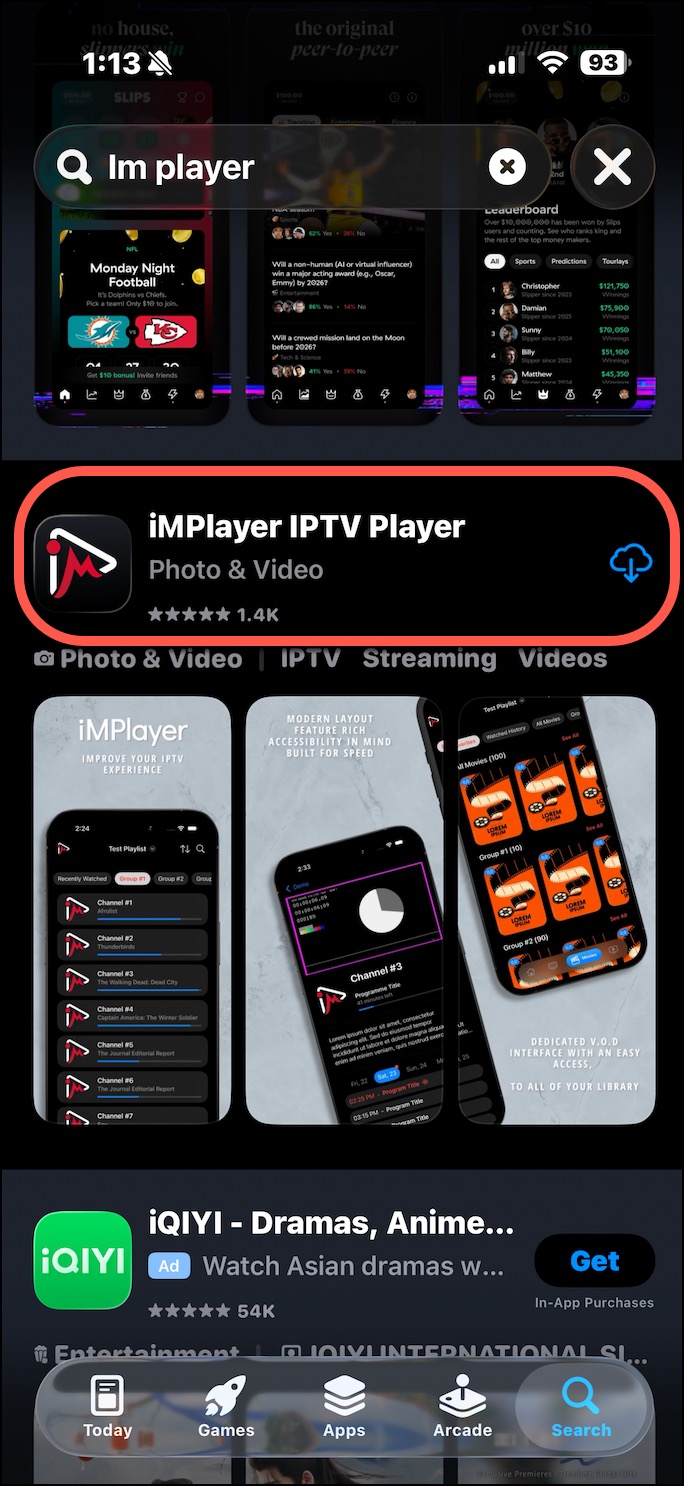
1) Navigate to the App Store and search for "iMPlayer", click on Install and Open. https://apps.apple.com/us/app/implayer-iptv-player/id6695725513
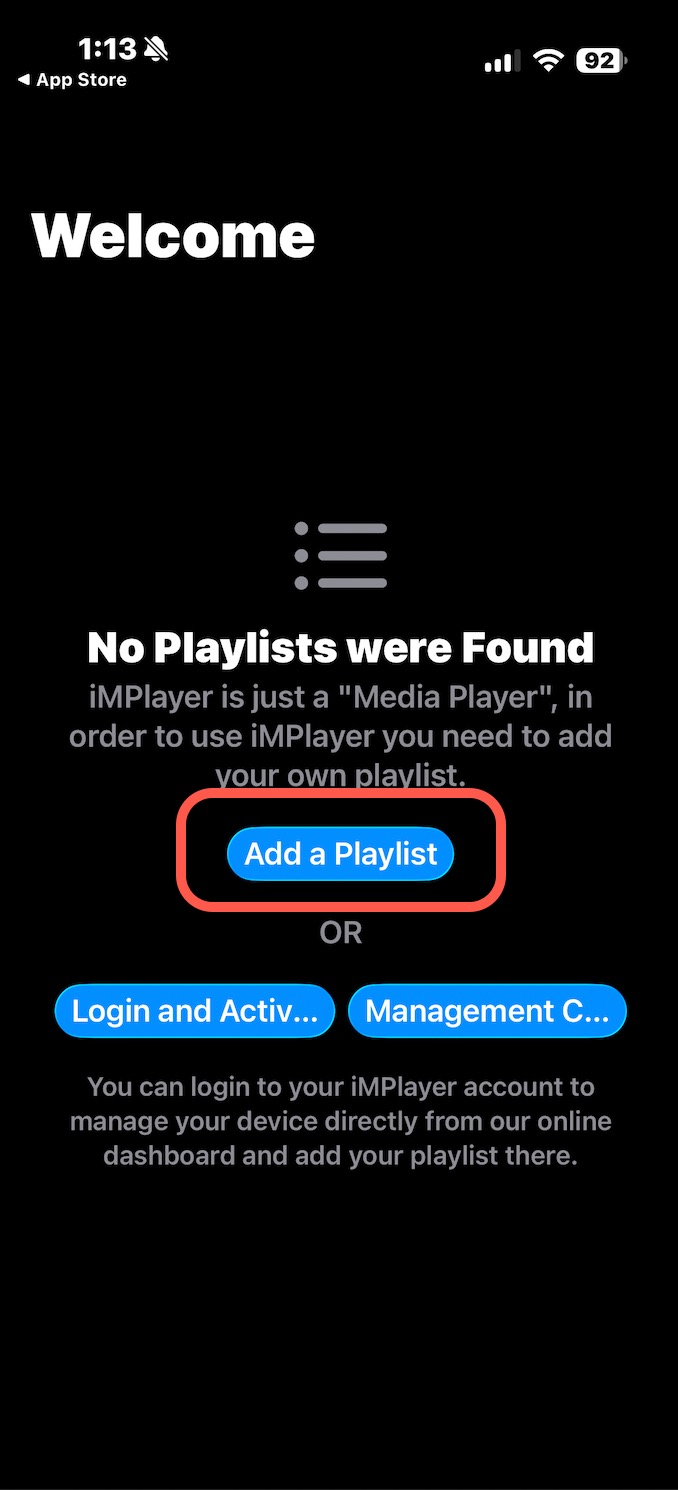
2) Click on "Add a Playlist".
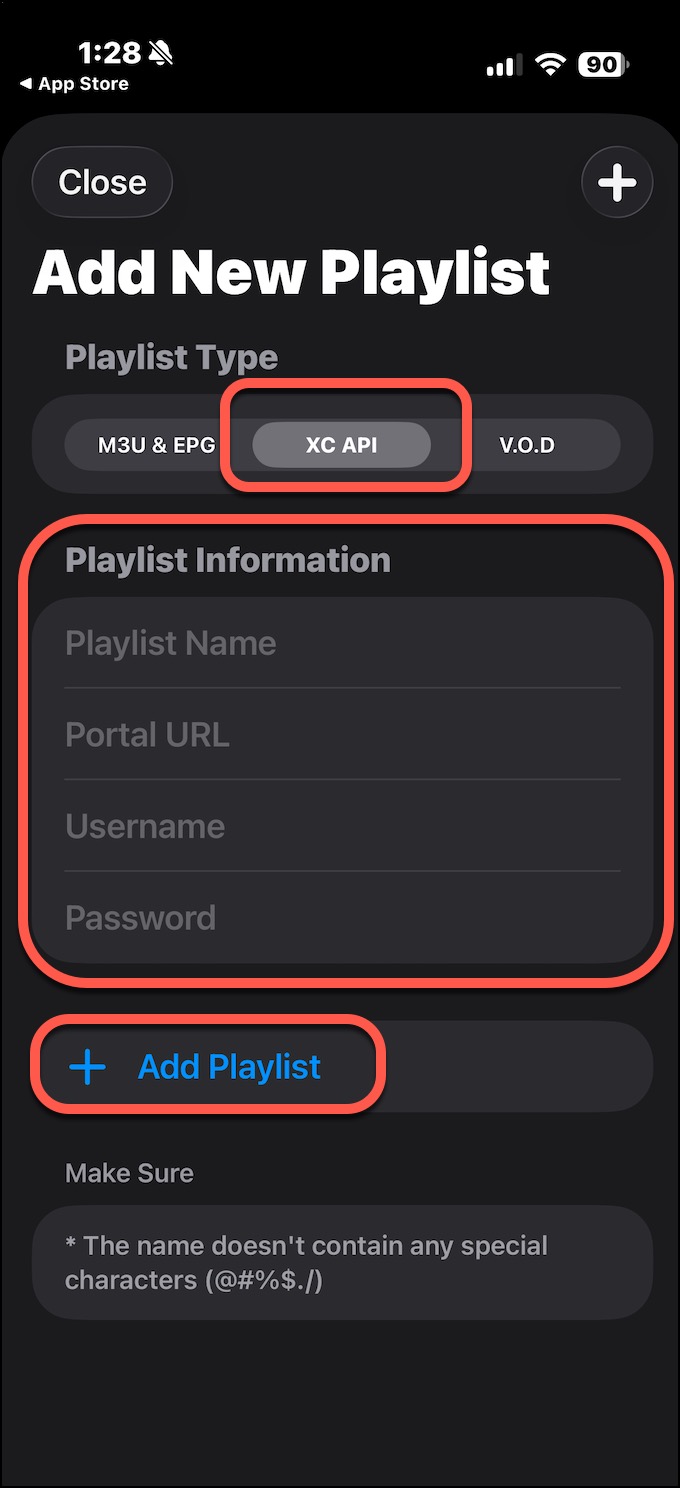
3) Click on "XC API", then enter the Playlist Information.
Playlist Name: HawkTV
Portal URL: http://www.laceylou.lol:826
Username: Your Username
Password: Your Password
Lastly, click on + Add Playlist.
4) You will now see the HawkTV Categories as you scroll across the top.
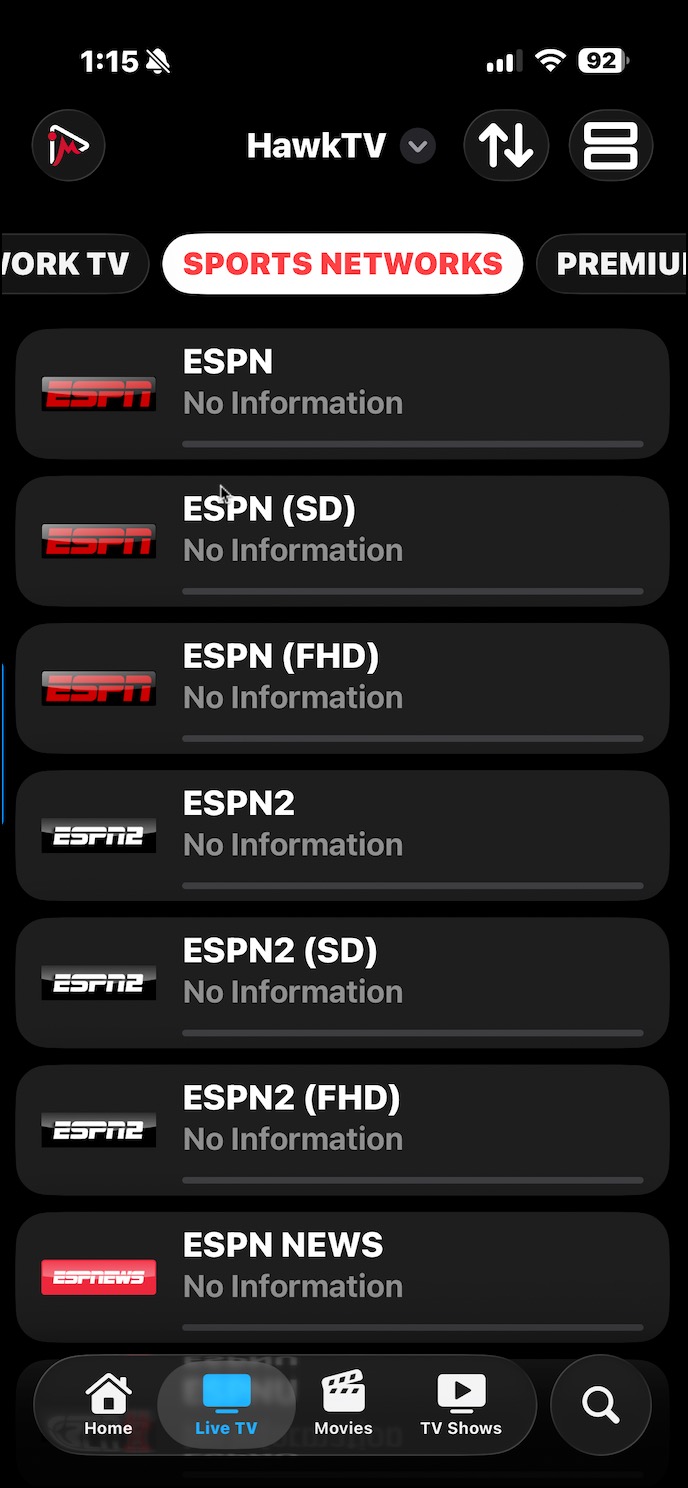
5) Click on any channel (ESPN).
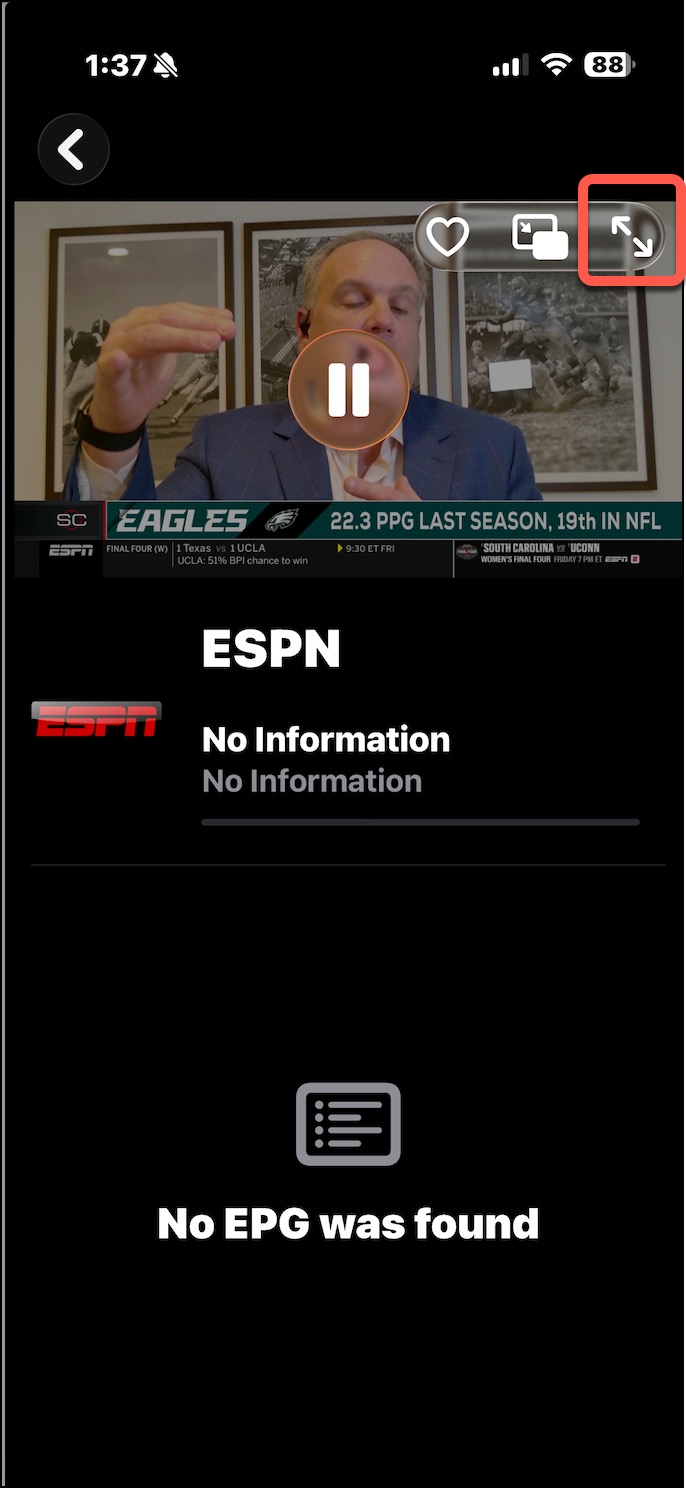
6) Click on the double arrow on the top right to expand it full screen.