
HawkTV - How to install iMPlayer for iPhones

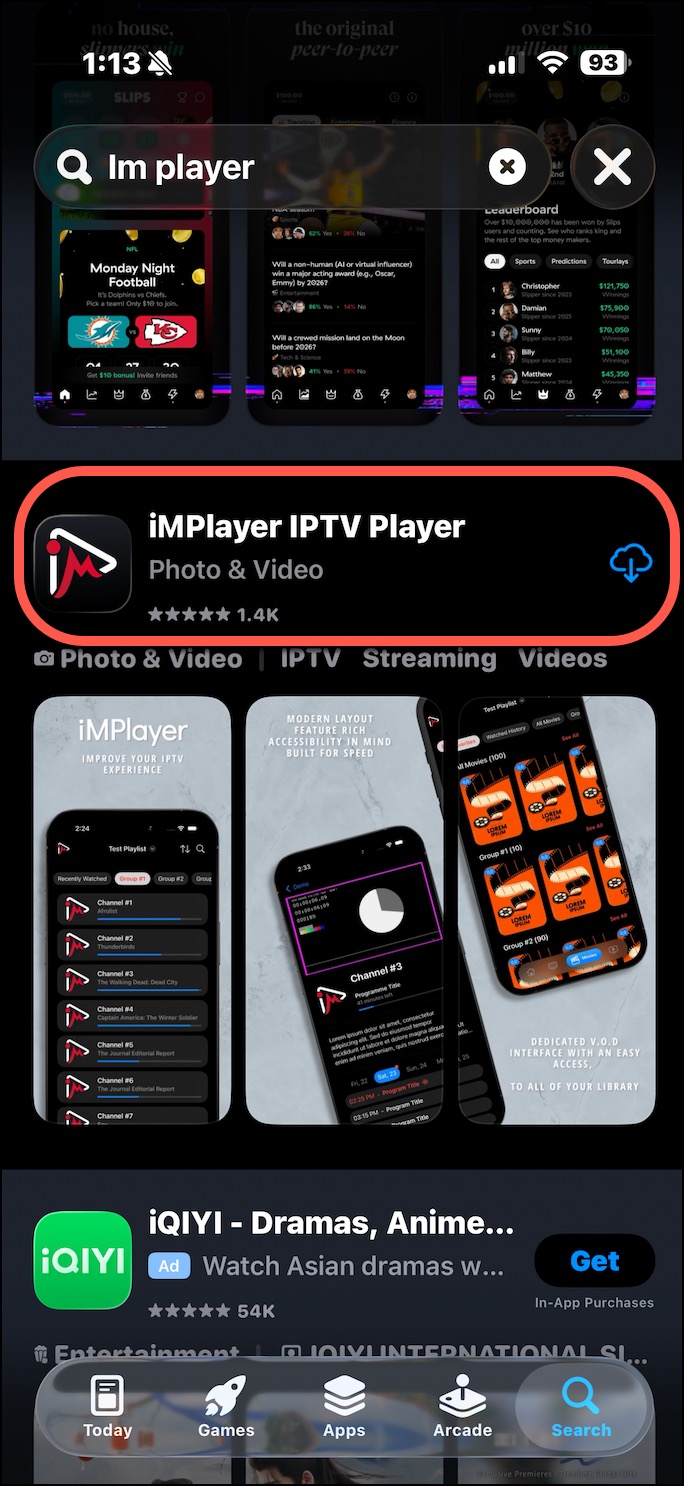
1) Navigate to the App Store and search for "iMPlayer", click on Install and Openhttps://apps.apple.com/us/app/implayer-iptv-player/id6695725513 
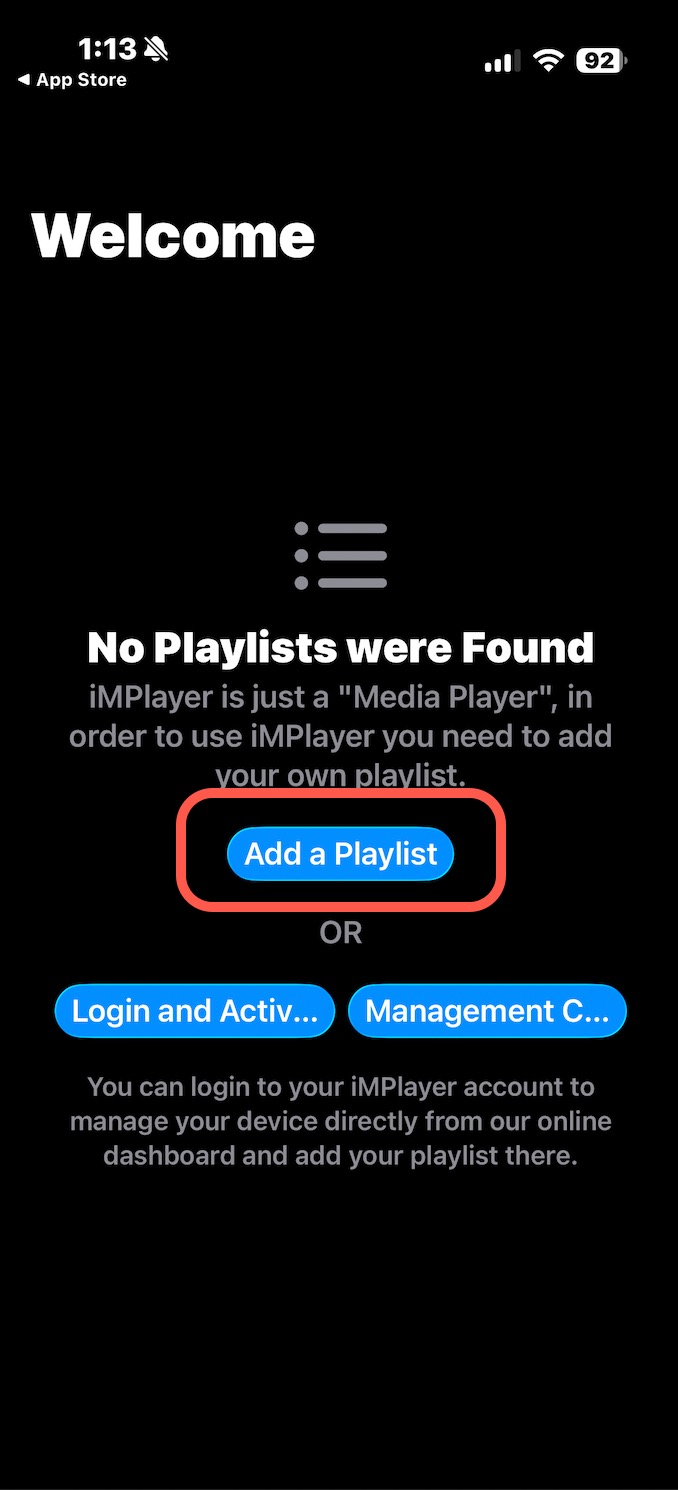
2) Click on "Add a Playlist".
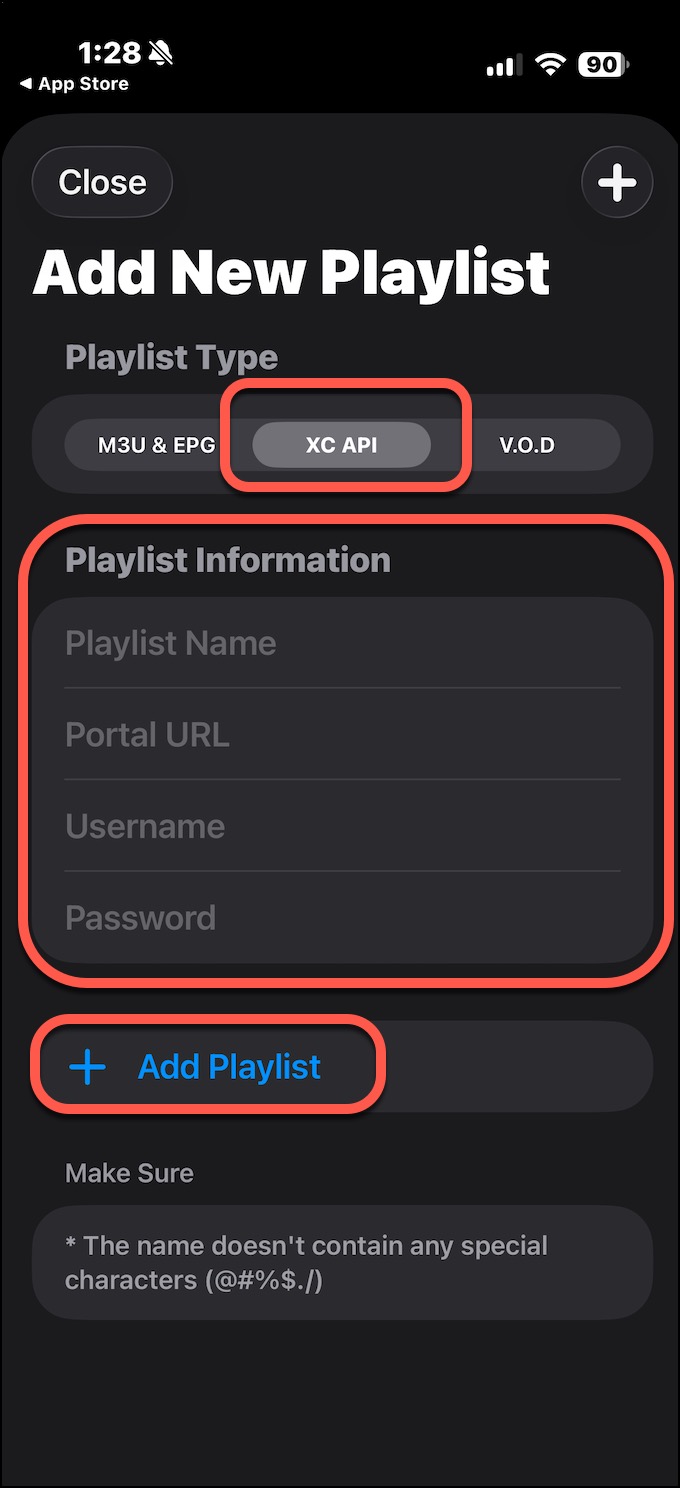
3) Click on "XC API", then enter the Playlist Information. 
Playlist Name: HawkTV
Portal URL: http://www.laceylou.lol:826
Username: Your Username
Password: Your Password

Lastly, click on + Add Playlist. 
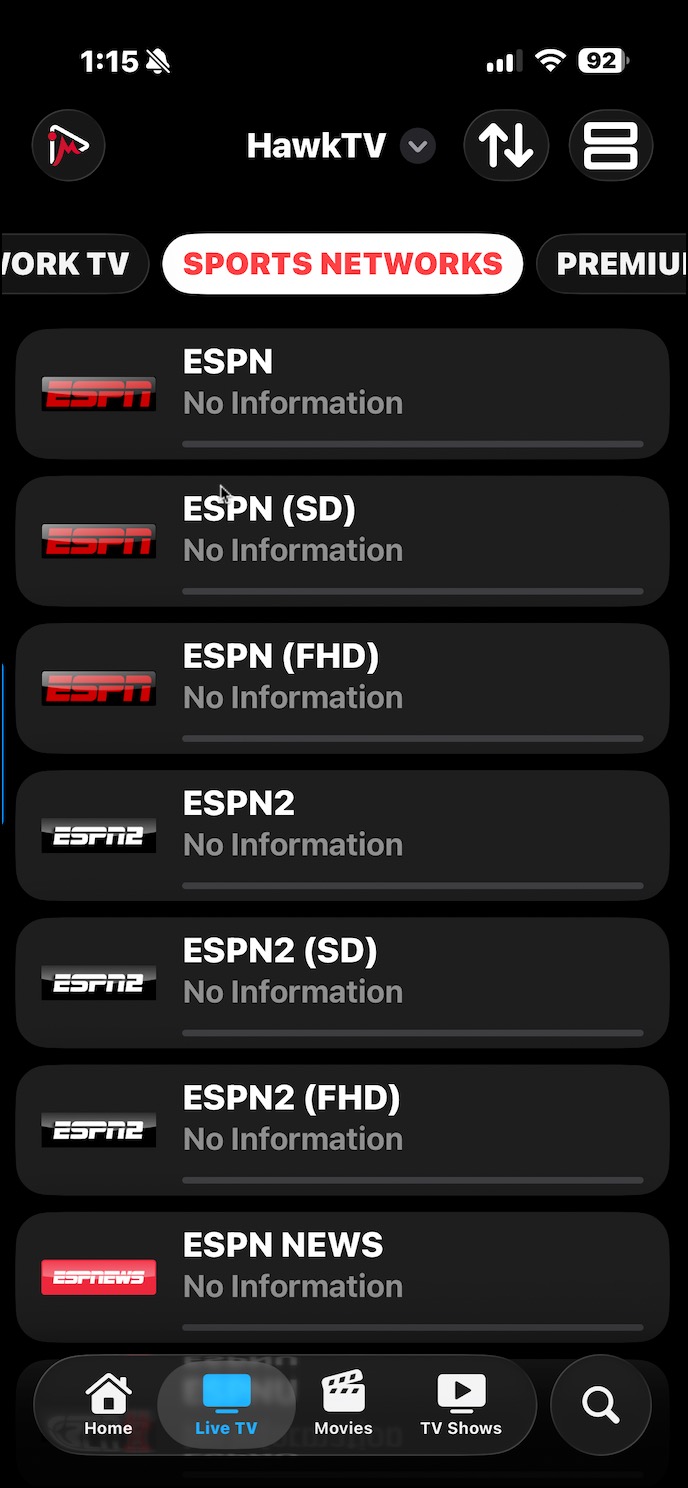
4) You will now see the HawkTV Categories as you scroll across the top.
5) Click on any channel (ESPN).
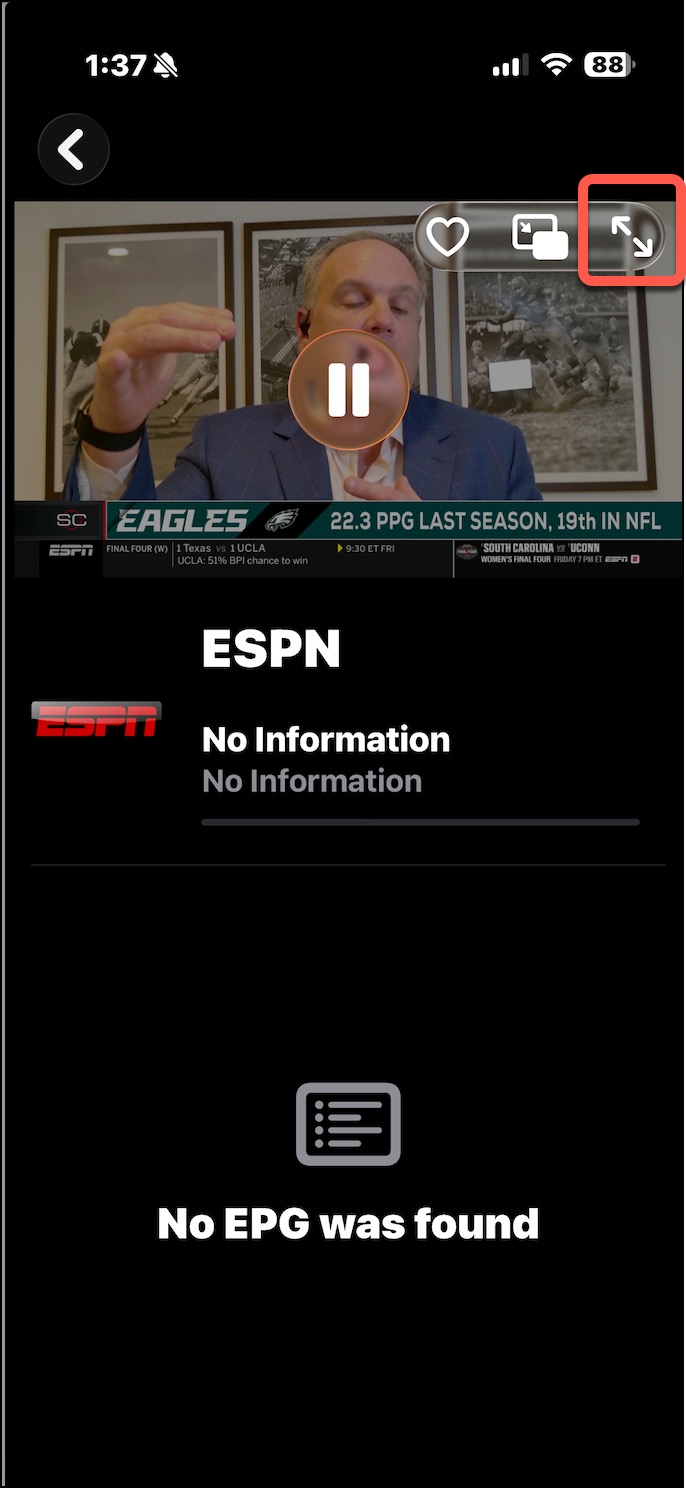
6) Click on the double arrow on the top right to expand it full screen. 

 

  • 0 brukere syntes dette svaret var til hjelp
Var dette svaret til hjelp?

Relaterte artikler

HawkTV - How to record to external storage

*Note - the easiest way to record HawkTV is to purchase a device that has optimal storage space....

HawkTV - Phones / Tablets - Adding the HawkTV Playlist to the Smarters app

Search for the 'Smarters Player Lite' app from the Google Play or Apple App store and install it...

HawkTV - WebPlayer Browser Link for Desktops, Laptops, etc.

WebPlayer Browser App for Laptops, Desktops, etc. (HawkTV Playlist) (*NOTE - this will use a...

HawkTV - How to create custom groups

1) From the TV guide, long-press the OK button on your remote.   2) A menu will pop out on the...